FAQ
Technical questions
Q: Which editors are supported?
A: CKEditor 4 (any 4.x release), any version of TinyMCE, and Editor42.
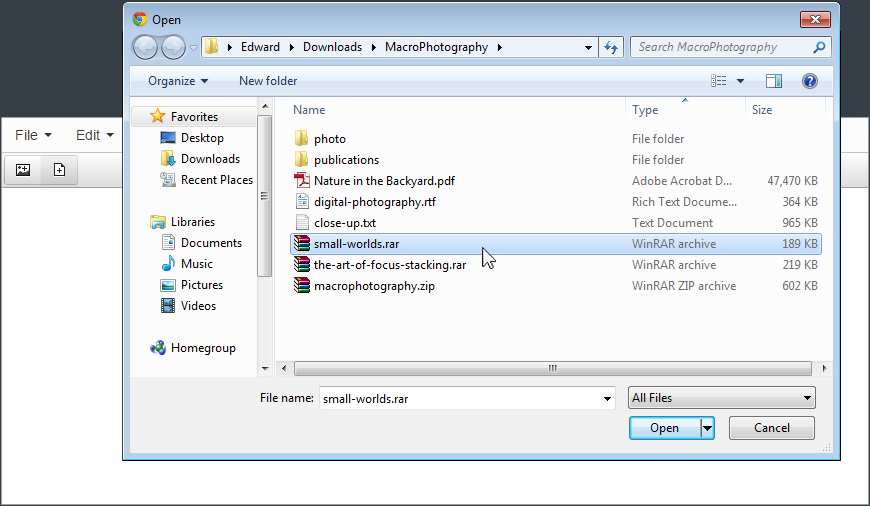
Q: I cannot upload files with the add-on. What should I do?
A: Check that the web server can write to the uploads folder,
plugins/fastimage/uploads/ or
plugins/fastfile/uploads/ (depending on the add-on), and that
plugins/fastimage/u.php or
plugins/fastfile/u.php opens in your browser: when PHP runs it, it answers with a short JSON message.
Q: Can I change the folder the files are saved to?
A: Yes. Set
$path at the top of
u.php to your folder, and set
fastimage_urlFiles (or
fastfile_urlFiles) in the editor config to the URL that folder is served from. Making
uploads/ a symbolic link to your folder works too.
Q: My site has its own URL routing, and the add-on cannot find its uploader.
A: Set
fastimage_url and
fastfile_url in the editor config to the full URL of
u.php, and
fastimage_urlFiles and
fastfile_urlFiles to the URL of its uploads folder.
Q: I load TinyMCE or Editor42 from a CDN. Where do the add-ons go?
A: Keep their folders on your server and load them with
external_plugins: { fastimage: "/path/to/fastimage/plugin.min.js", fastfile: "/path/to/fastfile/plugin.min.js" }.
Q: Which files can be uploaded?
A: Fast Image takes JPEG, PNG, GIF, WebP, AVIF and BMP images. Fast File takes any file except scripts, server configuration files, HTML, SVG and XML, which could run code on your site when opened from it. An upload never replaces an existing file: the new one gets a number, like
photo_1.jpg.
Payment & licensing questions
Q: Are there any hidden fees?
A: No. You pay once, when you buy the add-ons. Some countries add VAT, which you see before the final payment step.
Q: Can I resell or redistribute the add-ons?
A: Reselling the add-ons is not allowed. The license stays valid as long as you use the add-ons or have them installed on a website. With an OEM license you can distribute the add-ons as part of a bigger product, but not on their own and not inside another CKEditor or TinyMCE plugin.
Q: What payment options do you have?
A: We accept Visa, MasterCard, PayPal and many other payment methods. Open the checkout page and you will most likely find yours.
Q: How can I use my license?
A: A
Single Website license covers one website (not a SaaS, a website builder or any other multi-domain website).
A
Freelancer license is the same for any number of websites that you set up yourself (not for website builders).
A
SaaS license lets you run the add-ons on a website that gives its users a private space of their own (a website builder, a startup's service, etc.).
An
OEM license lets you sell the add-ons as part of your own product, as long as that product is not itself a plugin for CKEditor, TinyMCE or another editor.
Purchase Now
Risk-free: if the add-on does not work for you, we refund your order.